No Category is retiring, so the rooms it kept out of the Navigator move into Chat Rooms, where everyone can find them.
Most rooms in the hotel live in No Category, and No Category has never had a spot in the Navigator. That's why the guest room categories can look emptier than they really are. With the next update we're retiring No Category, and its rooms move into categories everyone can browse.
🗂️ Where your room goes
- Rooms in No Category move to Chat Rooms.
- New rooms start in Chat Rooms, unless you pick another category when you create them.
- No Category leaves the category list.
Rooms that already have a category stay where they are.
🏠 Choose your category
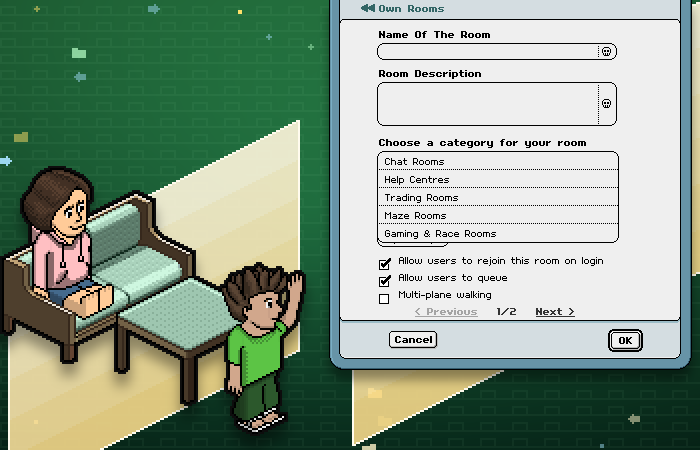
Is your room a maze, a race track or a help centre? Give it the right home. Open the Navigator, go to Own Room(s), pick your room and press Modify, then choose from Choose a category for your room.
🤝 Trading lives in Trading Rooms
Trading Rooms is home to every trade in the hotel, so rooms in every other category have trading switched off. Host trades in your room? Open Modify and choose Trading Rooms, and trading switches straight back on.
🔔 Prefer a quiet room?
Your room now shows up in the Navigator. Set its Door status to Doorbell in the same Modify window and visitors have to ring before they come in. Want it out of the category lists altogether? Choose Password protected: friends can still find it through a search or their favourites.
Happy room hopping!
Habbo Staff